Collaborate on documents
Use browser editing when multiple people need to work from one current version.
Share one document
The owner should share the document with each collaborator and grant edit access. Use named sharing for internal work so the owner can review and remove access. See Share files and folders.
Open the shared document
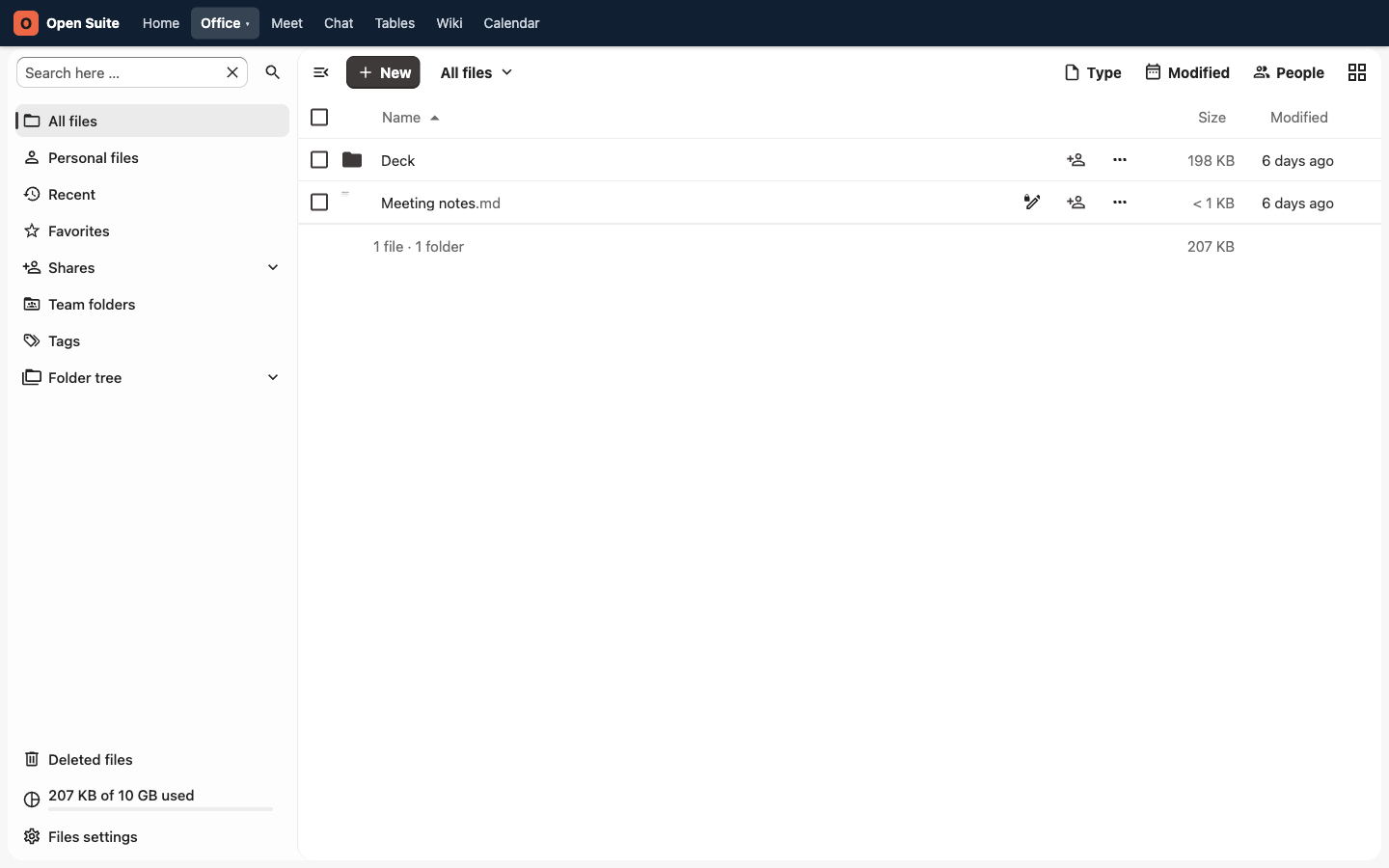
Open Office → Files. Find the document in Shares, Recent, or search, then click its name.
Edit together
When another person opens the same document, both of you work in the browser editor. Collaborators' changes appear in the shared file, and routine edits save automatically. Wait for the editor's saved status before closing the tab.
Editor toolbars vary by file type and screen size. Use the editor's comment action when you want to suggest a change without replacing the text, and reply in the same comment thread to keep review context together.
Avoid version confusion
Do not download a .docx, edit it locally, and upload it again unless you need
an offline copy. That creates multiple versions for people to reconcile.
Prepare a document for review
- Give the document a clear title.
- Add a short purpose at the top.
- Share it with reviewers.
- Tell reviewers what kind of feedback you need.
- Set a review deadline in chat or calendar.
Export when work is final
Use File → Download as and choose the required format when the document must leave Open Suite as an attachment or archive copy. Keep the shared Open Suite file as the working source of truth.