Search and find work
Open Suite does not have one global search across every app. Start in the app that owns the item, then use that app's search and recent views.
Search from Files
Open Office → Files and use the search field at the top left.
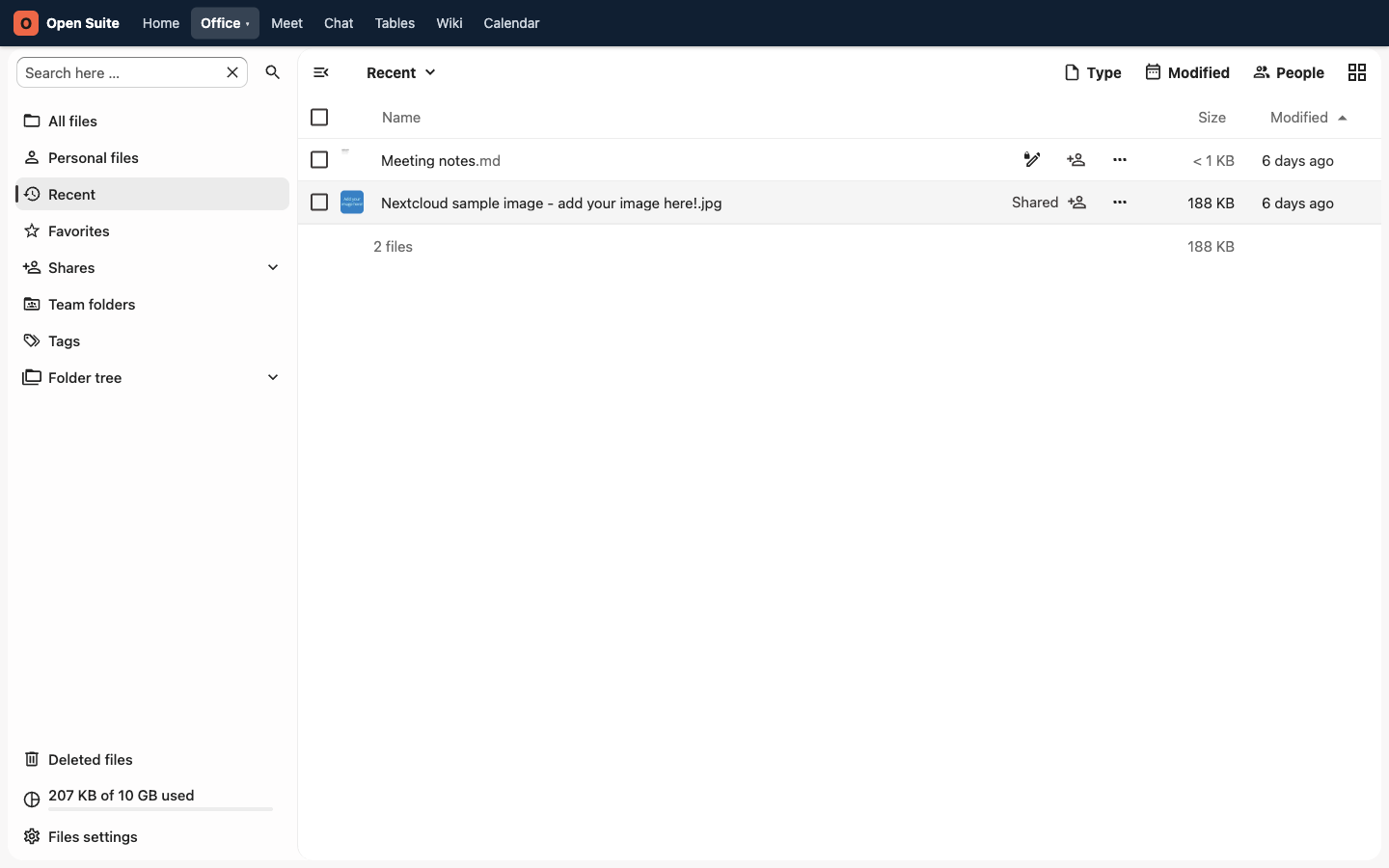
The Files screenshots on this page are existing demo captures from before the portal navigation was reorganized. Use the current Office → Files path.
Search for distinctive words. budget is better than doc; Q3 plan is better
than plan.
Use Recent
Open Recent when you worked on the item recently but do not remember its folder.
Use Favorites
Open a file or folder's menu and choose Add to favorites when you return to it often. Open Favorites in the Files sidebar to find it later.
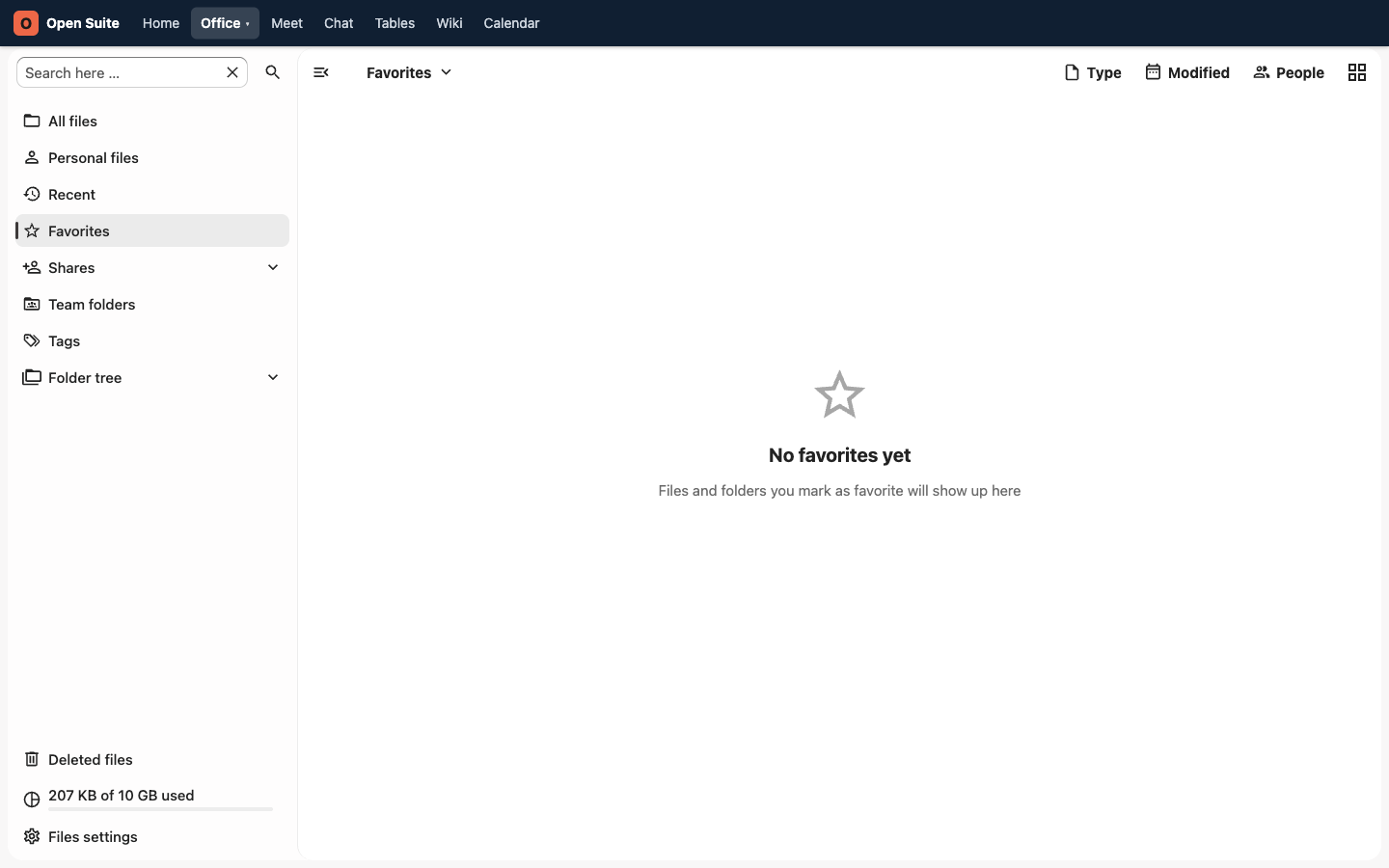
Favorites are useful for team plans, recurring meeting notes, and active work folders.
Use the dashboard
The portal's Docs and Files cards show recent work and provide search fields for a quick starting point.
Swipe or scroll the screenshot to see every detail.
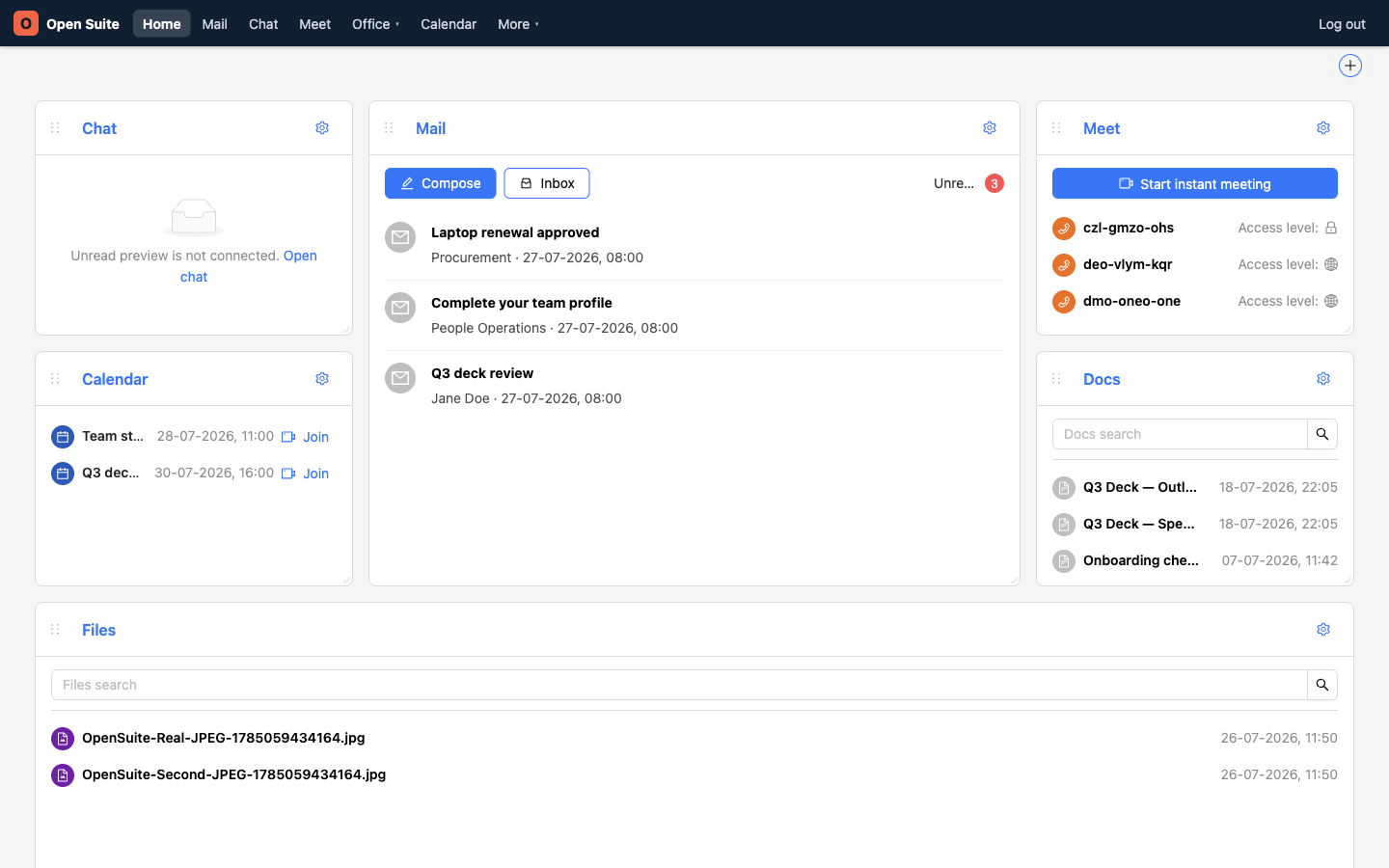
Docs lists and searches recent pages from Wiki.
Files lists and searches recent Office documents and uploaded files.
Search in other apps
| What you need | Where to search |
|---|---|
| Mail, then use Mail search | |
| A room or message | Chat, then search the room list or messages |
| An event | Calendar, then browse the day, week, or month views and use search when available |
| A person | More → Contacts, then use Search contacts |
| A Wiki page | More → Wiki, then use Wiki search |
| A table document | More → Tables, then browse its recent, pinned, or all-documents views |
| Text inside an open table | Use Search in document in Tables |
If search fails
Try these checks:
- Search for a different word.
- Check Recent.
- Check Shares.
- Ask the owner whether the file is shared with you.
- Check Deleted files if you owned it. Select the item and choose Restore when you find it.