Use contacts
Use Contacts to find people, create address book entries, and keep details close to your calendar and email workflows.
Open Contacts
From the portal, click More → Contacts.
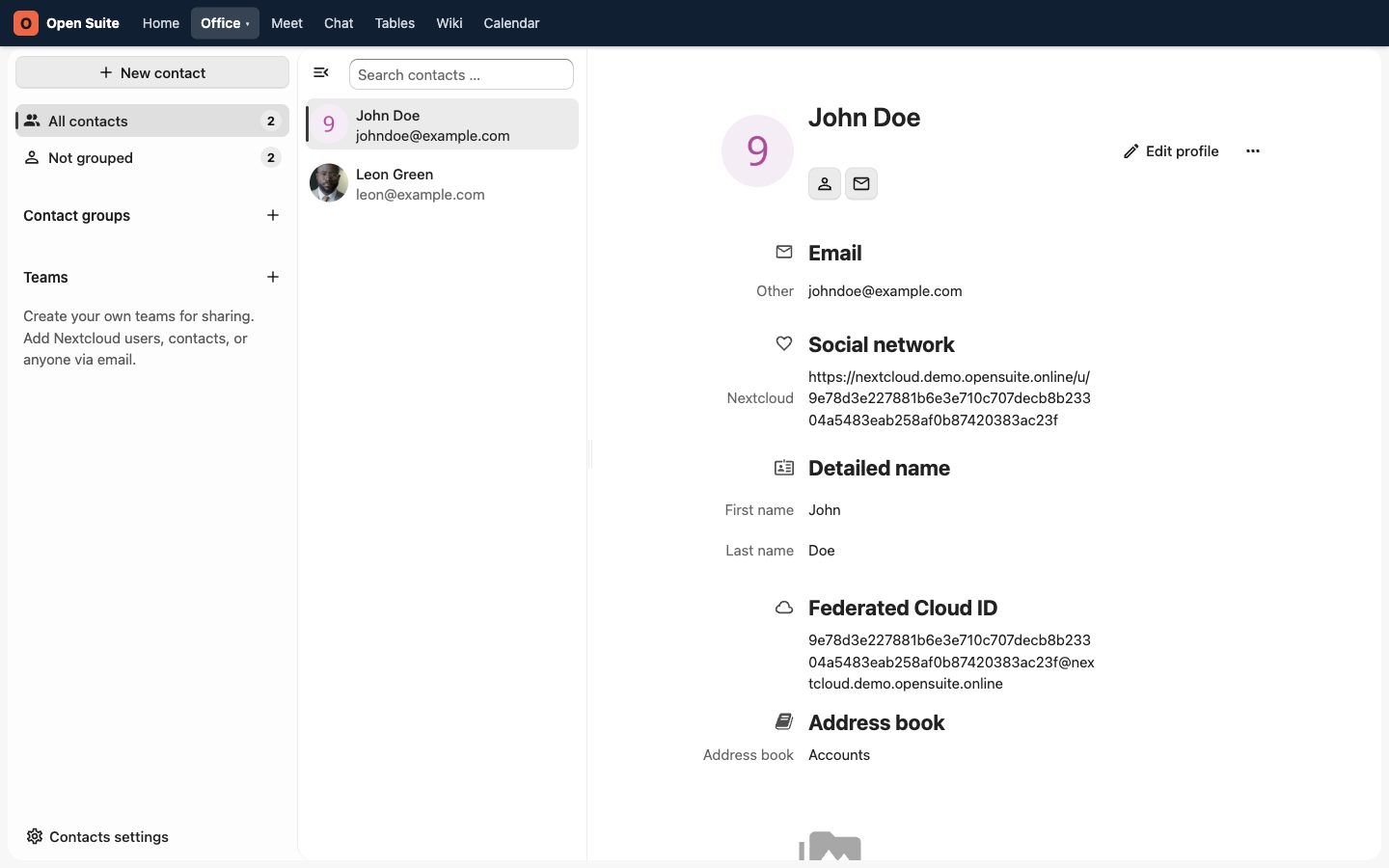
This existing demo screenshot shows Contacts before the portal navigation was reorganized. Use the current More → Contacts path described above.
Find a person
- Use Search contacts above the contact list.
- Type a name, email address, or organization.
- Select the contact from the results.
Search first when you only need a phone number or email address. It is faster than browsing address books.
Create a contact
- Click New contact.
- Enter the person's name.
- Add email, phone, organization, and notes.
- Save the contact.
Use the notes field for stable context only. Do not store passwords or temporary meeting notes in Contacts.
Update a contact
- Select the contact.
- Click Edit.
- Change the details and click Save.
Your own directory entry may show Edit profile instead. Contacts managed by your organization can be read-only; ask an administrator when an official entry is wrong and no edit action is available.
Keep contacts useful
Use one contact per person. Update the existing contact when details change instead of creating a duplicate.