Work with tables
Use Tables for structured information: inventories, lightweight databases, trackers, registers, and repeatable lists.
Open Tables
From the portal, click More → Tables.
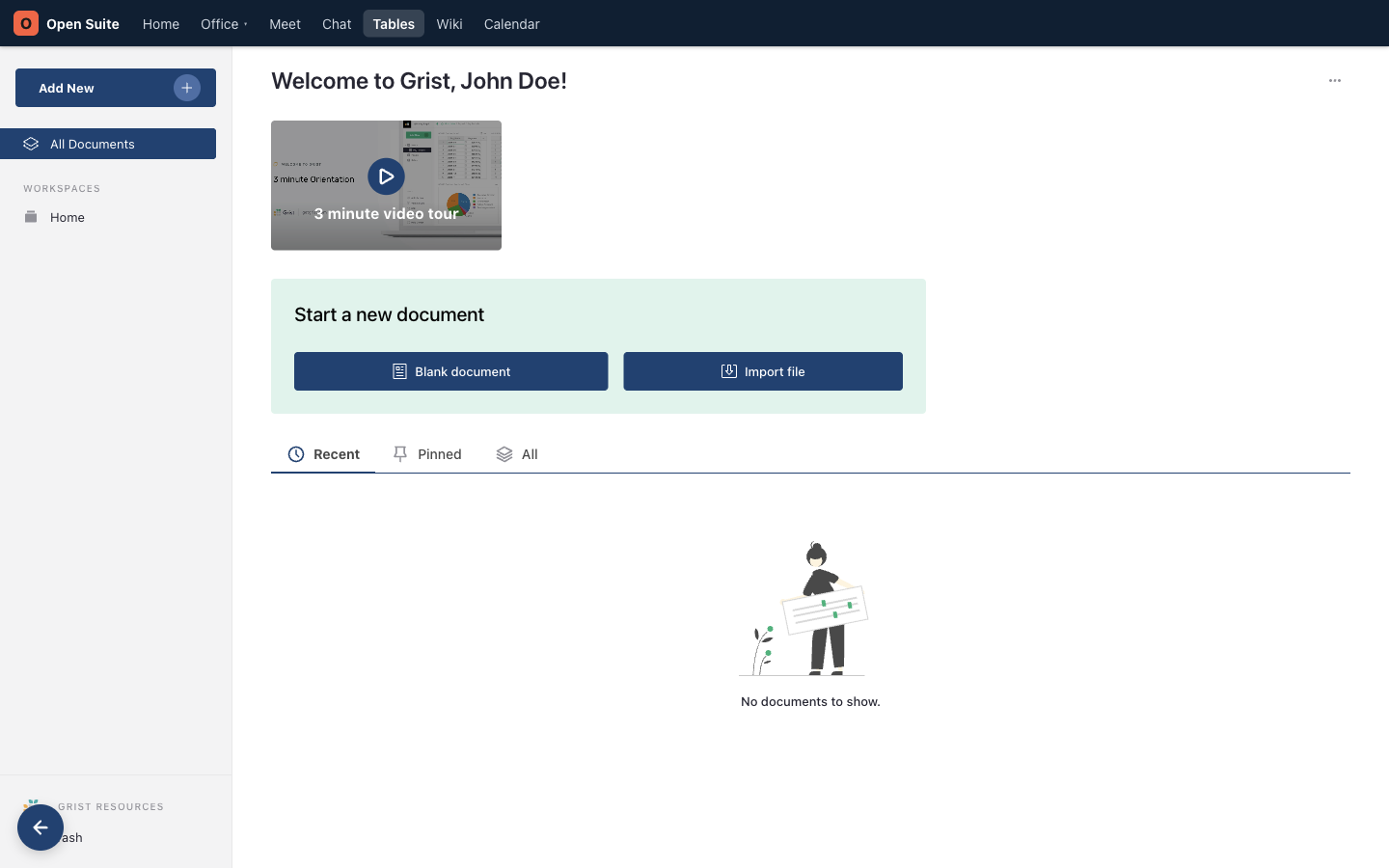
This existing demo screenshot shows Tables before the portal navigation was reorganized. Use the current More → Tables path described above.
Open or create a table document
On the Tables home page:
- Use the Recent, Pinned, and All tabs, or All Documents in the sidebar, to find an existing table document.
- Choose Blank document to start with an empty table.
- Choose Import file to start from a supported file on your device.
- The Add New menu offers the same create and import actions.
Use Tables when every row represents the same type of thing. Use a document when the information is mostly prose.
Add records
- Open the table.
- Enter data in the blank row at the bottom of the grid, or use Add record in a card view.
- Fill each column.
- Use consistent values for status, owner, dates, and categories.
Consistent values make filtering and sorting useful later.
Add or change a column
Use Add column to create a field. Choose an appropriate type, such as text, number, date, choice, or attachment. Open a column's menu and use Column Options to change its name, type, formula, or display settings.
Filter and sort
Open a column menu and choose Filter Data, or use Sort and filter for several columns. Sorting can compare dates, owners, priorities, or names.
Filters hide records that do not match; they do not delete them. Before changing many rows, review active filters so you do not accidentally miss hidden records.